Live-only execution engine

Tradengine changes the game

We trade only when markets are confirmed live, then enter based on a controlled gate: live status, optional entry delay, and a probability threshold. Once in, we monitor exit rules and lock gains.
Live-only watchlist Entry delay control Probability threshold Min/Max exit rules Profit lock ratchet
WAIT LIVE
We ignore scheduled markets. Only confirmed live events are eligible.
ENTRY DELAY
Optional timer after live is first detected before entry is allowed.
THRESHOLD
Entry triggers when best probability clears your configured threshold.
MONITOR EXIT
Exit on min or max probability, plus profit-lock ratchet to protect gains.
Trading engine interface
Kalshi
Polymarket
Kalshi
Polymarket
Kalshi
Polymarket
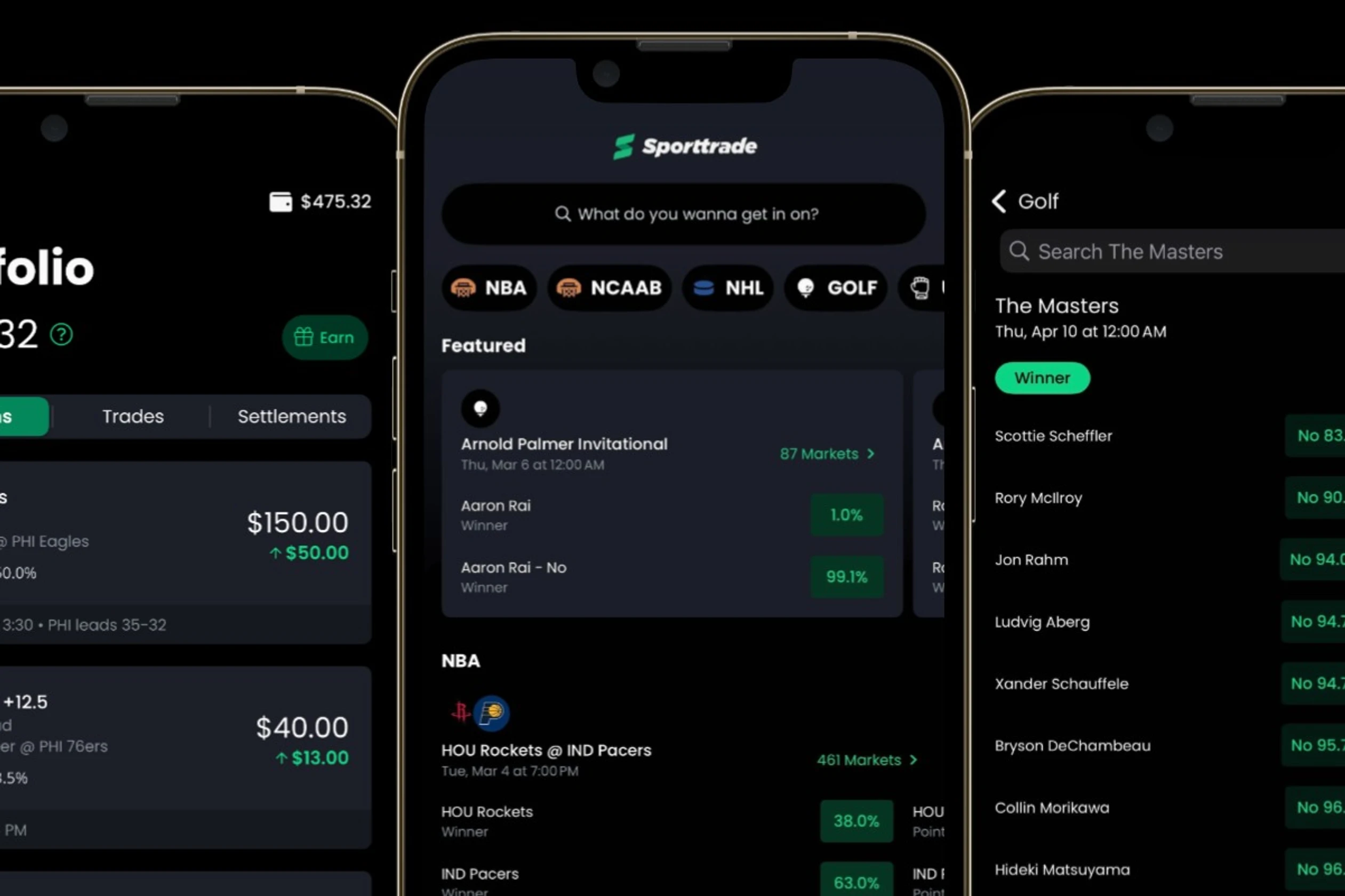
Tradengine platform preview on mobile
Control center

Everything is controlled from the UI

Tune the engine live. Entry contracts, entry delay minutes, probability entry threshold, hard caps, max open markets, refresh frequency, min exit, max exit, and profit-lock parameters.

Engine settings
Update key parameters without redeploying.
Refresh frequency
Control how often markets and state are refreshed.
Hard cap + max open
Global constraints to limit risk and exposure.
Profit lock ratchet
Lock start, step, offset to protect gains as probability rises.
History and analytics

Know what happened, and why

In-app history with refresh controls and export for deeper analysis. Filter by time range and market attributes, then download a CSV for reporting.

Export history (CSV)
One click export for audits, performance review, and tracking.
Filters
Narrow to profitable trades, ranges, and categories.
Performance signals
Track ROI, fees, peaks, and lock floors over time.
Status and health
Clear status states to ensure the engine is running correctly.
History and analytics dashboard preview
Risk settings and profit lock controls
Risk and controls

Rules-based exits with profit protection

Set minimum and maximum exit probabilities, then enable profit-lock to ratchet your floor upward as probability improves. Supports both sides correctly, so entries and exits stay consistent.

Min exit Max exit Profit lock start Step + offset Entry contracts Max open markets
Pricing

Simple plans that scale with your team

Start with the core engine, then add controls and support as you grow. Toggle monthly or annual billing anytime.

Billing Save 15%

Starter

For individuals and early testing. Core controls and clean history export.

$299
/mo
Includes one engine instance
  • Live-only watchlist and controlled entries
  • Entry delay and probability threshold
  • CSV export and basic filters
  • Email support

Enterprise

For organizations that need compliance, SLAs, and custom deployments.

Custom
Talk to sales for a tailored plan
  • Dedicated support and SLAs
  • Self-hosted or private cloud options
  • Audit controls and enhanced reporting
  • Security review and onboarding
Prices shown are placeholders. Replace with your real pricing or connect these CTA buttons to your checkout flow.
FAQ

Answers, fast

If you have a question that is not covered here, contact us and we will help you get set up.

Tradengine ignores scheduled markets. A market must be confirmed live before it becomes eligible for entry logic.
Yes. You can change entry delay, probability thresholds, min and max exits, profit lock settings, caps, and refresh frequency from the UI.
Profit lock raises your protected floor as probability improves. It can start at a configured point, then ratchet up in steps with an offset to protect gains.
Enterprise plans can include self-hosted or private cloud options, plus onboarding and security review.
Yes. Use the Developers link to access documentation. If you want private access, request it via Contact.
Yes. You can start small and upgrade as usage grows. If you need SLAs or custom deployment, talk to sales.